
bob player

IPTV Player & Streaming App

Bob Player IPTV Player Download, Setup & Activation

Learn how to download, install, set up, and use Bob Player on compatible devices. Manage your own IPTV playlists and enjoy live TV, movies, and series through your selected IPTV service.

Bob Player is a media player. It does not provide or host IPTV channels or subscriptions. Users provide their own compatible IPTV playlist or service credentials.

About Bob Player

What Is Bob Player?

Bob Player is an IPTV media player designed to help users manage and play their own IPTV playlists on compatible devices.

Its simple interface makes it easy to manage playlists and access live TV, movies, series, and other content provided through your IPTV service.

Important Information

Bob Player is only a media player. It does not provide, host, or sell IPTV channels or subscriptions. Users need their own compatible IPTV playlist or service credentials.
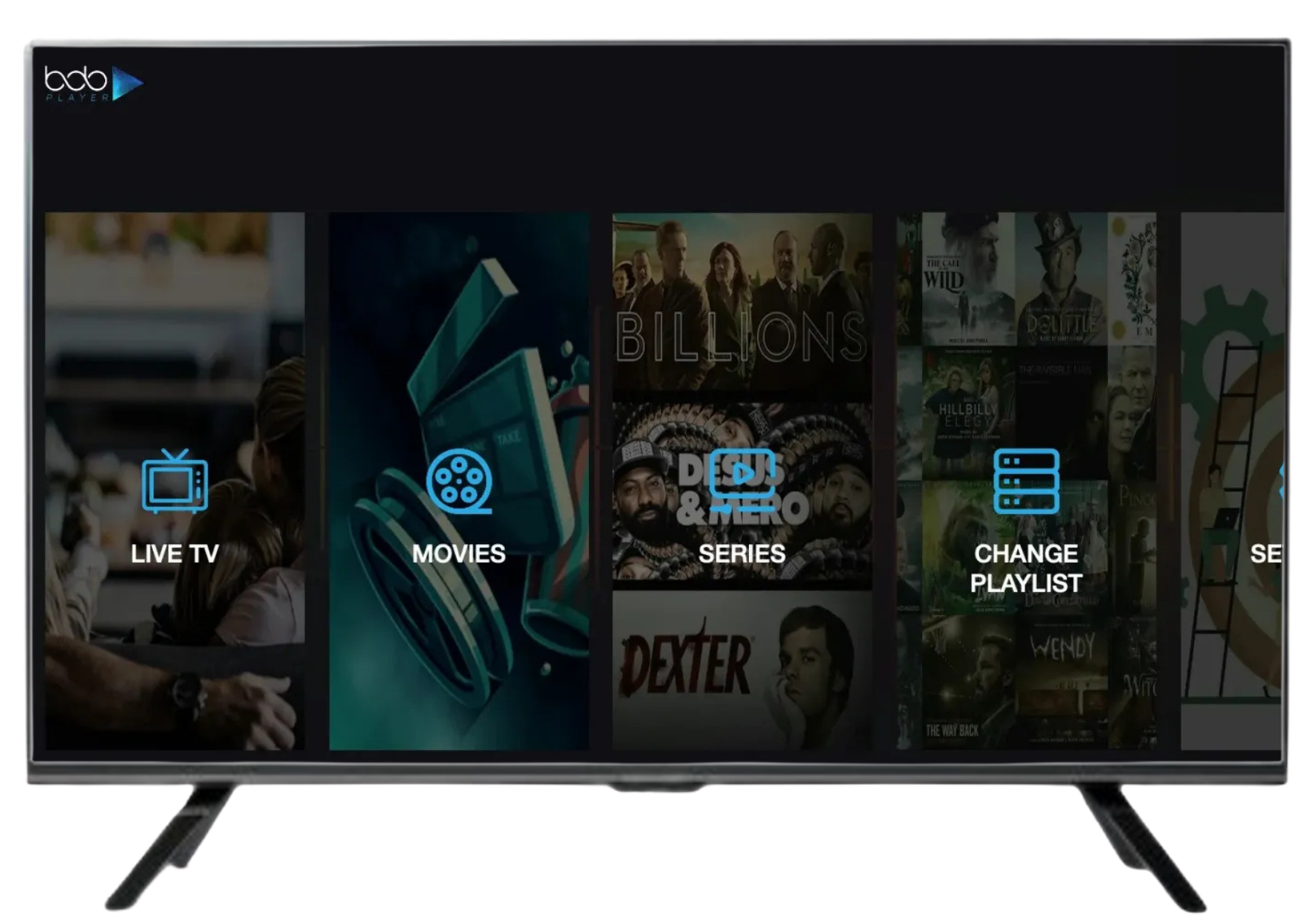
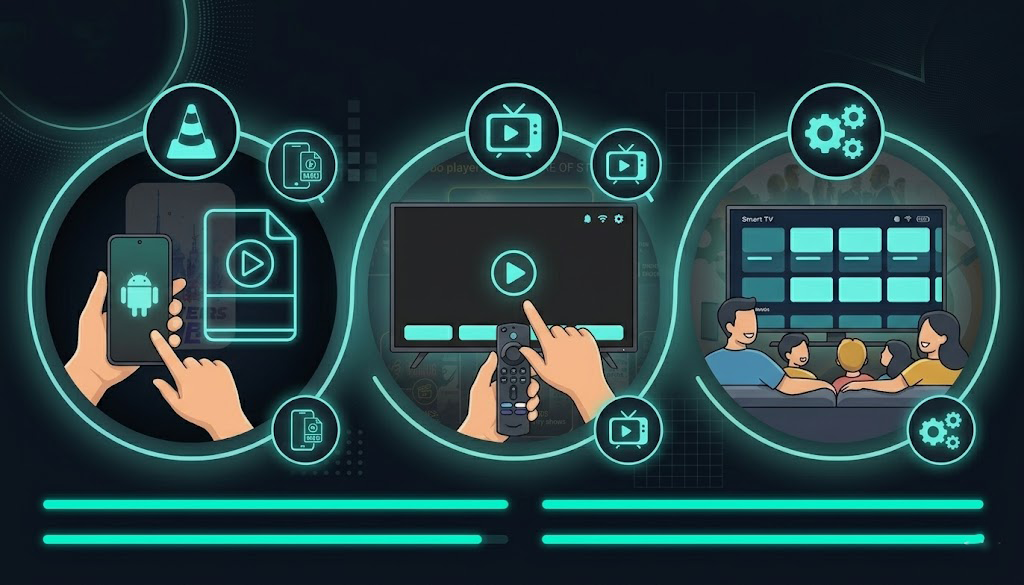
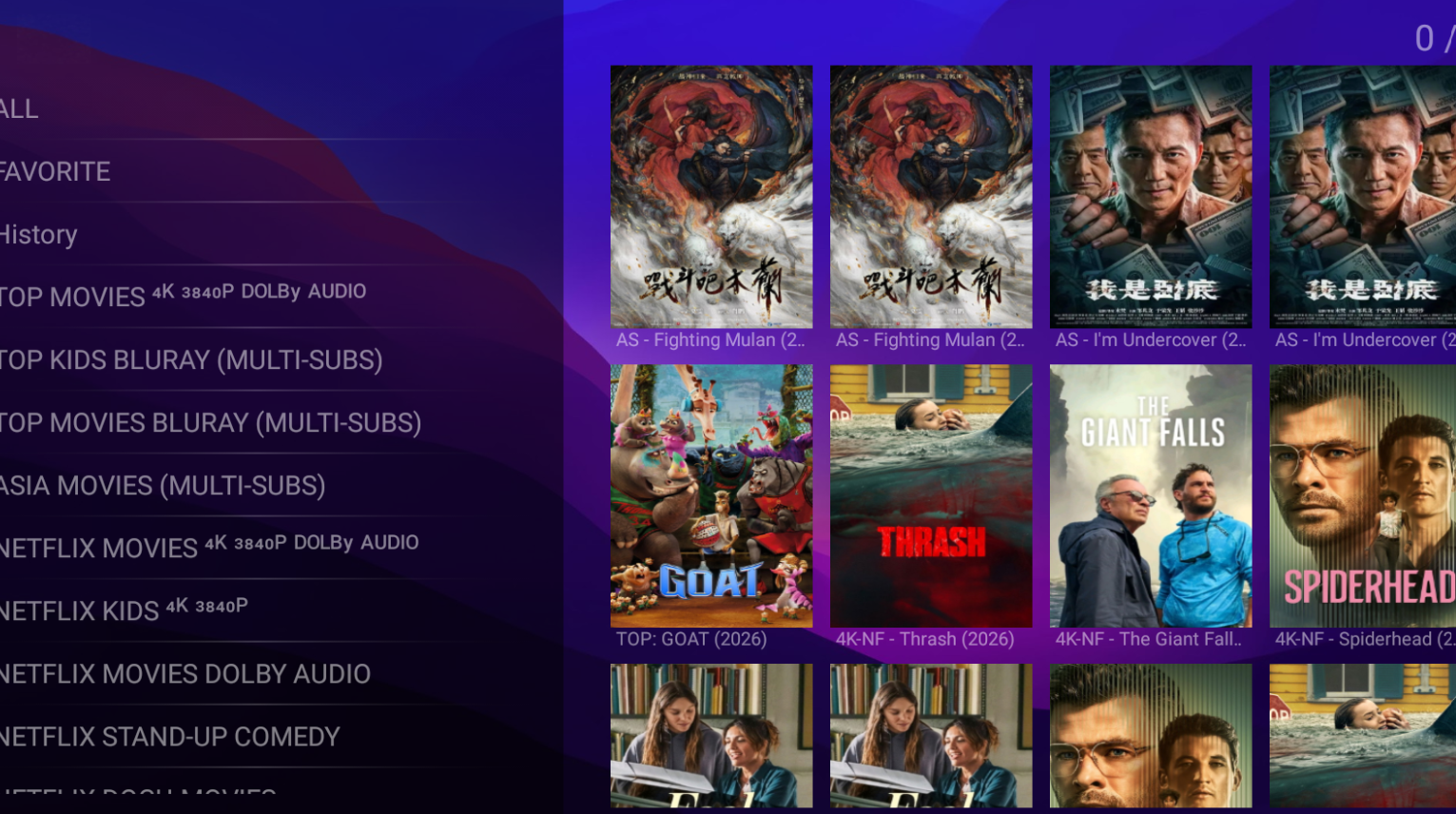
Bob Player IPTV player app on TV
Bob Player Features

Everything You Need for a Smooth IPTV Experience

Bob Player provides a simple way to manage and play your IPTV playlists across supported devices.

M3U & Xtream Codes

Support for M3U playlists and Xtream Codes API to connect your compatible IPTV service.

Multi-Device Support

Use Bob Player across supported Android, iOS, Smart TV, and Android TV devices.

HD & 4K Playback

Enjoy supported IPTV content with HD, Full HD, and 4K playback capabilities.

Simple Interface

A clean and user-friendly interface makes playlist management and navigation easier.

EPG Support

Access Electronic Program Guide information when it is provided by your IPTV playlist or service.

Movies & Series

Organize and access supported VOD content such as movies and series from your IPTV playlist.

How to Use Bob Player
Easy Setup

How to Use Bob Player

Follow these simple steps to set up Bob Player and connect your compatible IPTV playlist.

01

Install Bob Player

Install the Bob Player app on your compatible device from the available app store.

02

Get Your Device ID

Open Bob Player and find your unique Device ID from the app settings.

03

Open Your Activation Page

Visit the activation website provided by your IPTV service.

04

Add Your Playlist

Add your IPTV playlist using an M3U URL or Xtream Codes credentials.

05

Start Streaming

Restart the app after setup and access the content available through your IPTV playlist.

Supported Devices

Use Bob Player on Your Favorite Devices

Bob Player is designed to work across supported devices, giving you flexibility when managing and playing your IPTV playlists.

Android

Android

Mobile & Tablet

iOS

iOS

iPhone & iPad

Android TV

Android TV

Smart TV

Fire TV

Firestick

Fire TV

Windows

Windows

PC & Laptop

Inside Bob Player

Explore the Bob Player Interface

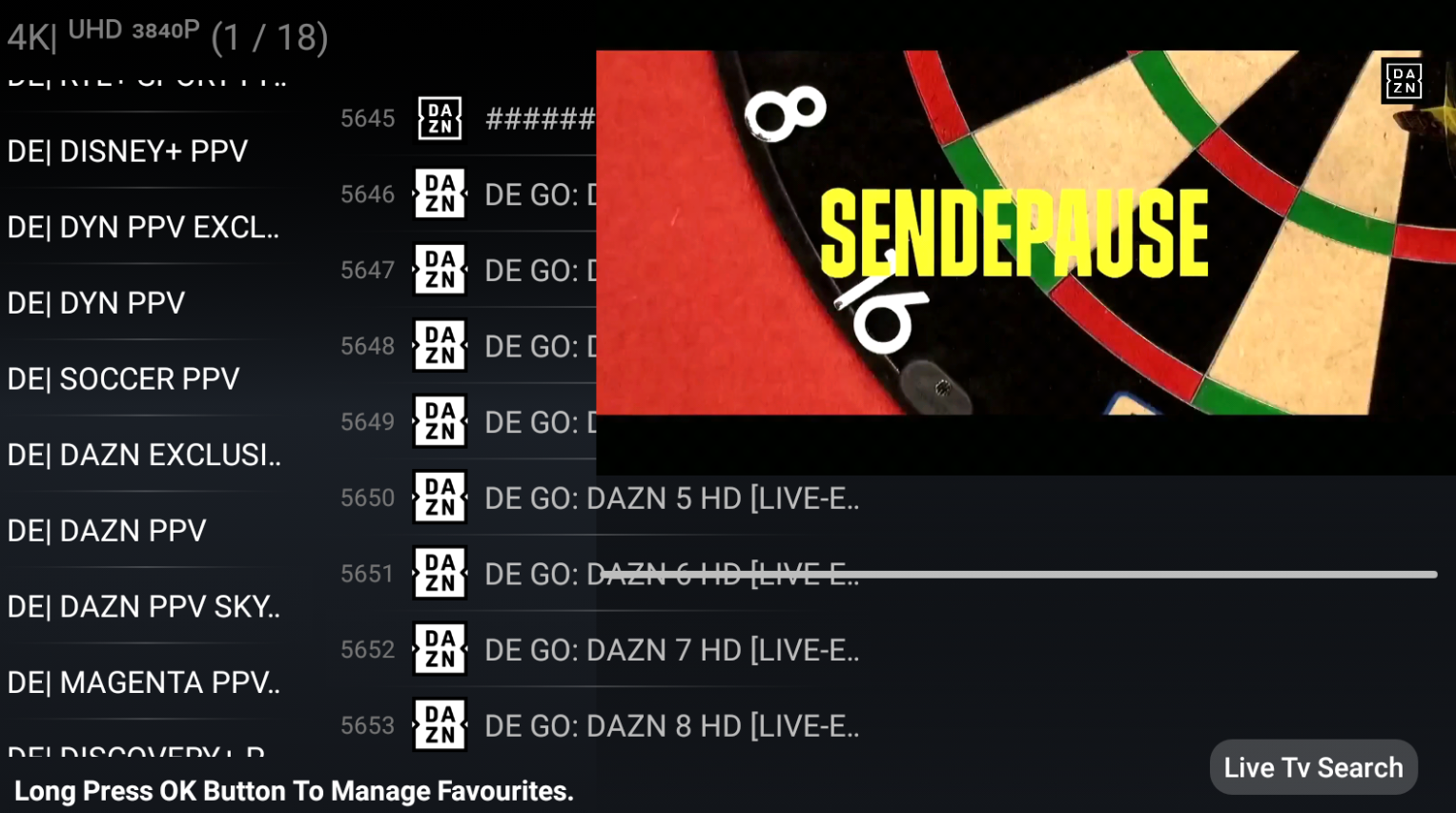
Take a look at the Bob Player interface and see how your IPTV content can be organized across different sections of the app.
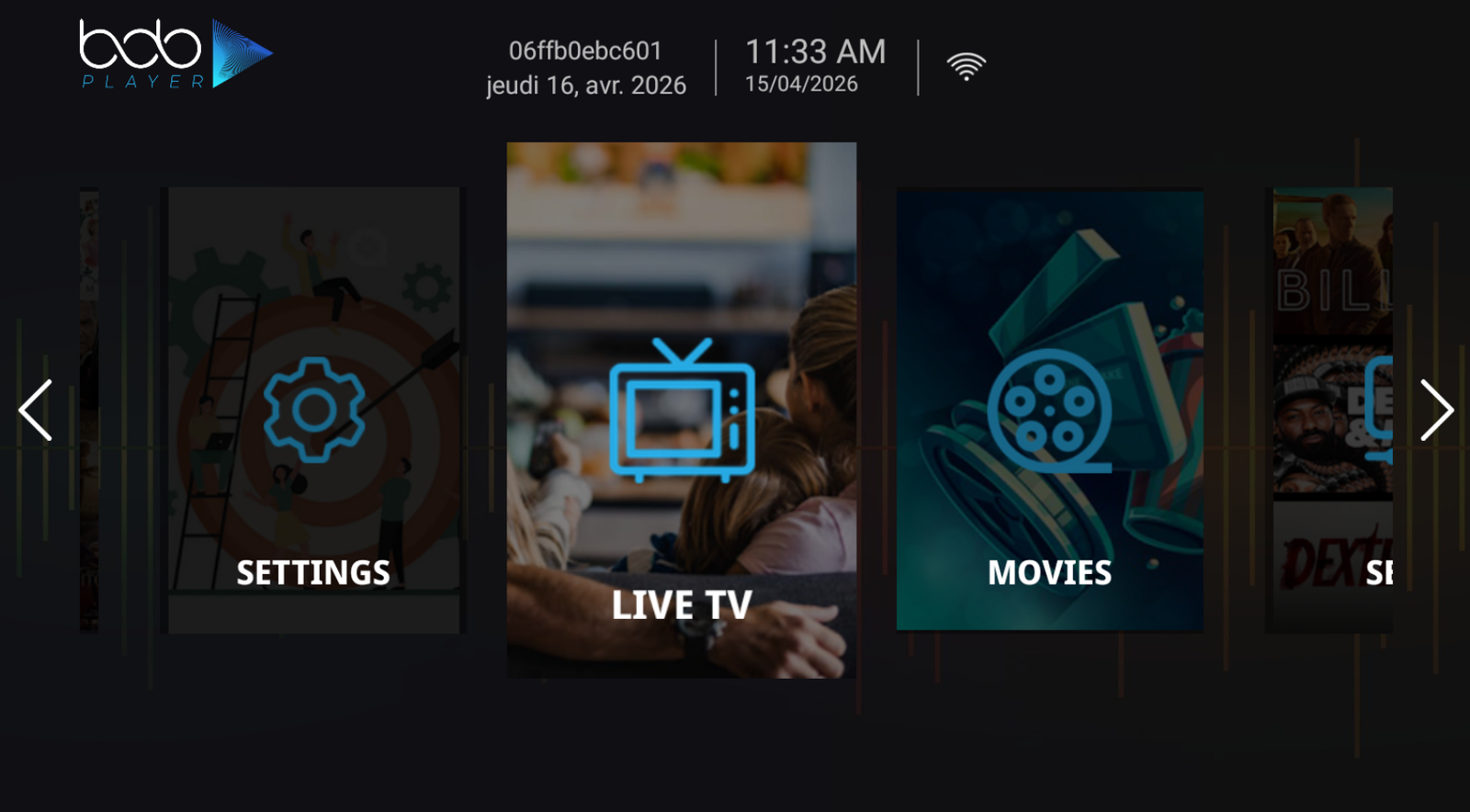
Bob Player Home Screen
Home Screen Simple navigation and content access
Bob Player Live TV Channels
Live TV Channels Browse channels from your IPTV playlist
Bob Player Movies and Series
Movies & Series Access supported VOD content
Why Bob Player

A Simple Way to Manage Your IPTV Playlists

Bob Player focuses on providing a clean and straightforward player experience for users who already have a compatible IPTV playlist or service.

Easy to Use

Simple navigation makes it easier to manage playlists and access available content.

Multiple Devices

Use the player on supported devices depending on the available version and platform.

Playlist Support

Manage compatible IPTV playlists using supported connection methods.

Player Only

Bob Player is a media player and does not provide IPTV channels or subscriptions.

Get Started With Bob Player

Ready to Set Up Bob Player?

Download Bob Player, follow the setup instructions, and connect your compatible IPTV playlist on a supported device.

Bob Player is a media player only. It does not provide or sell IPTV channels or subscriptions.

Important Information

Bob Player is only a media player. It does not host, provide, sell, or distribute IPTV channels or other streaming content. Users are responsible for supplying their own compatible IPTV subscription, playlist, or service credentials.

Frequently Asked Questions

Bob Player FAQ

Find answers to common questions about Bob Player, supported playlists, devices, setup, and activation.

What is Bob Player?

Bob Player is an IPTV media player that allows users to manage and play their own compatible IPTV playlists on supported devices.

Does Bob Player provide IPTV channels?

No. Bob Player is only a media player. It does not provide, host, sell, or distribute IPTV channels or subscriptions. Users need their own compatible IPTV playlist or service credentials.

Which IPTV playlist formats are supported?

Bob Player supports compatible M3U playlists and Xtream Codes API connections, depending on the version and supported platform.

Which devices can I use with Bob Player?

Bob Player is available on supported platforms including Android, iOS, Android TV, Fire TV, and Windows. Availability and features can vary by platform.

How do I set up Bob Player?

Install Bob Player on a supported device, open the app, locate your Device ID if required, and add your compatible IPTV playlist using the available connection method. You can follow the complete setup guide for detailed instructions.

Where can I download Bob Player?

You can find the available Bob Player download options on the official Bob Player download page .

Does Bob Player include an IPTV subscription?

No. Bob Player does not include an IPTV subscription. You must provide your own compatible IPTV service, playlist, or credentials.

Does Bob Player support HD and 4K content?

Bob Player can support HD, Full HD, and 4K playback where supported by the device, app version, network connection, and the content source.

Does Bob Player support EPG?

Bob Player supports EPG information when compatible electronic program guide data is provided by the IPTV playlist or service.

Is Bob Player an IPTV provider?

No. Bob Player is a media player, not an IPTV provider. It is designed to play compatible content supplied by the user through their own IPTV service or playlist.